
How to use FreeRTOS with EK-RA6M4 board

Overview
After using FreeRTOS with MSP430 MCU, I wanted to try FreeRTOS with a Renesas MCU. To do this I downloaded Renesas Flexible Software Package (FSP) which includes everything I need to start developing software for EK-RA6M4 board, including GCC toolchain. The board includes a 200 MHz Arm Cortex-M33 MCU having 256 times more RAM compared to my MSP430 variant I used in the previous posts. So this time amount of RAM should not be an issue.
Setup
Once FSP was installed, I started e2 studio Integrated Development Environment (IDE). e2 studio is an Eclipse based tool which is very similar to a Code Composer Studio (CCS) from Texas Instruments. I created a new C/C++ project for Renesas RA series using flat (Non-Trustzone) project. Tool has integrated support for FreeRTOS so I was able to select RTOS to be used with the default blinky application to flash the LEDs.
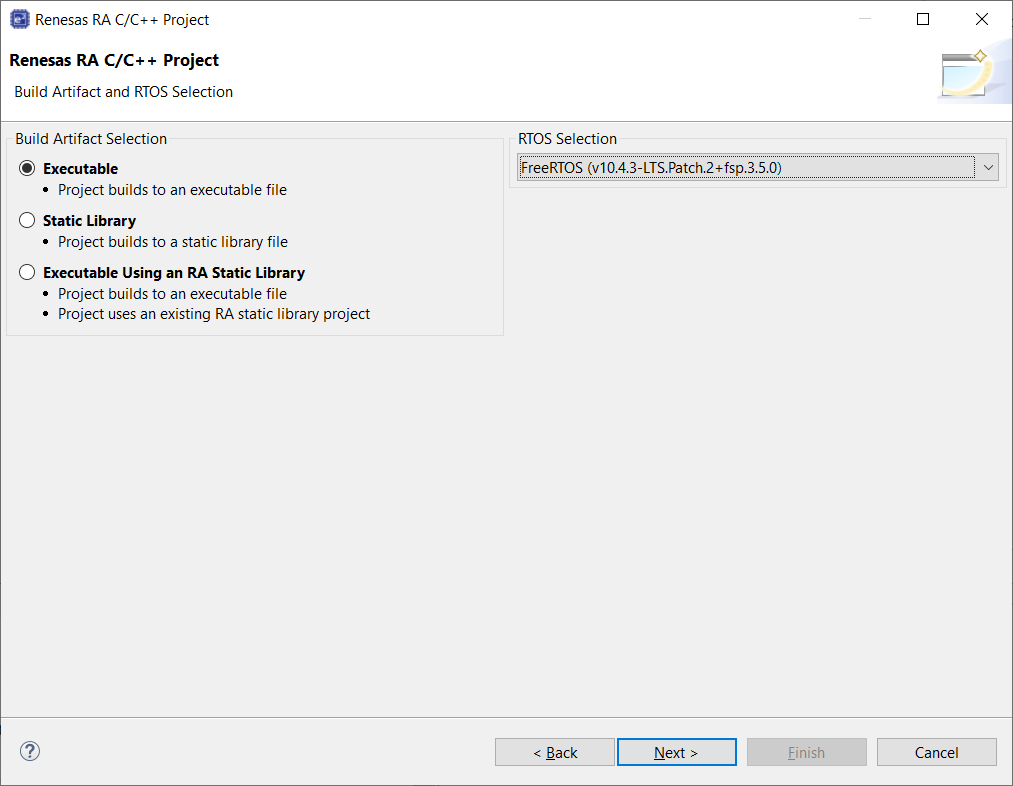
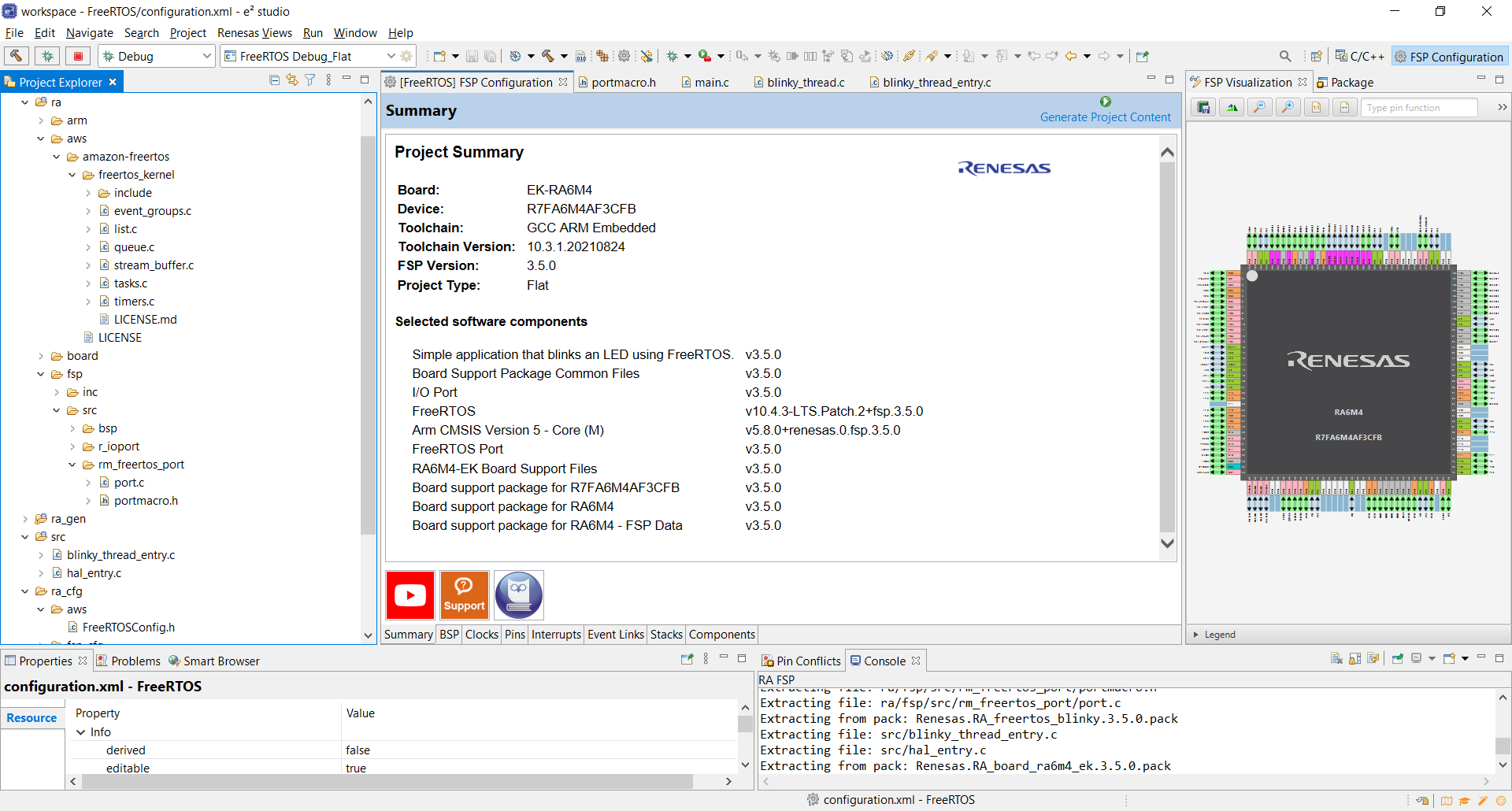
Clicking Finish button activated some code generators to generate files and the project itself. After the tool completed, it had created the following file structure for the FreeRTOS with Renesas FSP:
- FreeRTOS kernel under ra/aws/amazon-freertos/freertos_kernel
- MCU port files under ra/fsp/src/m_freertos_port
- FreeRTOSConfig.h configuration file under ra_cfg/aws and
- Some generated source files for the main and for a thread to blink the LEDs
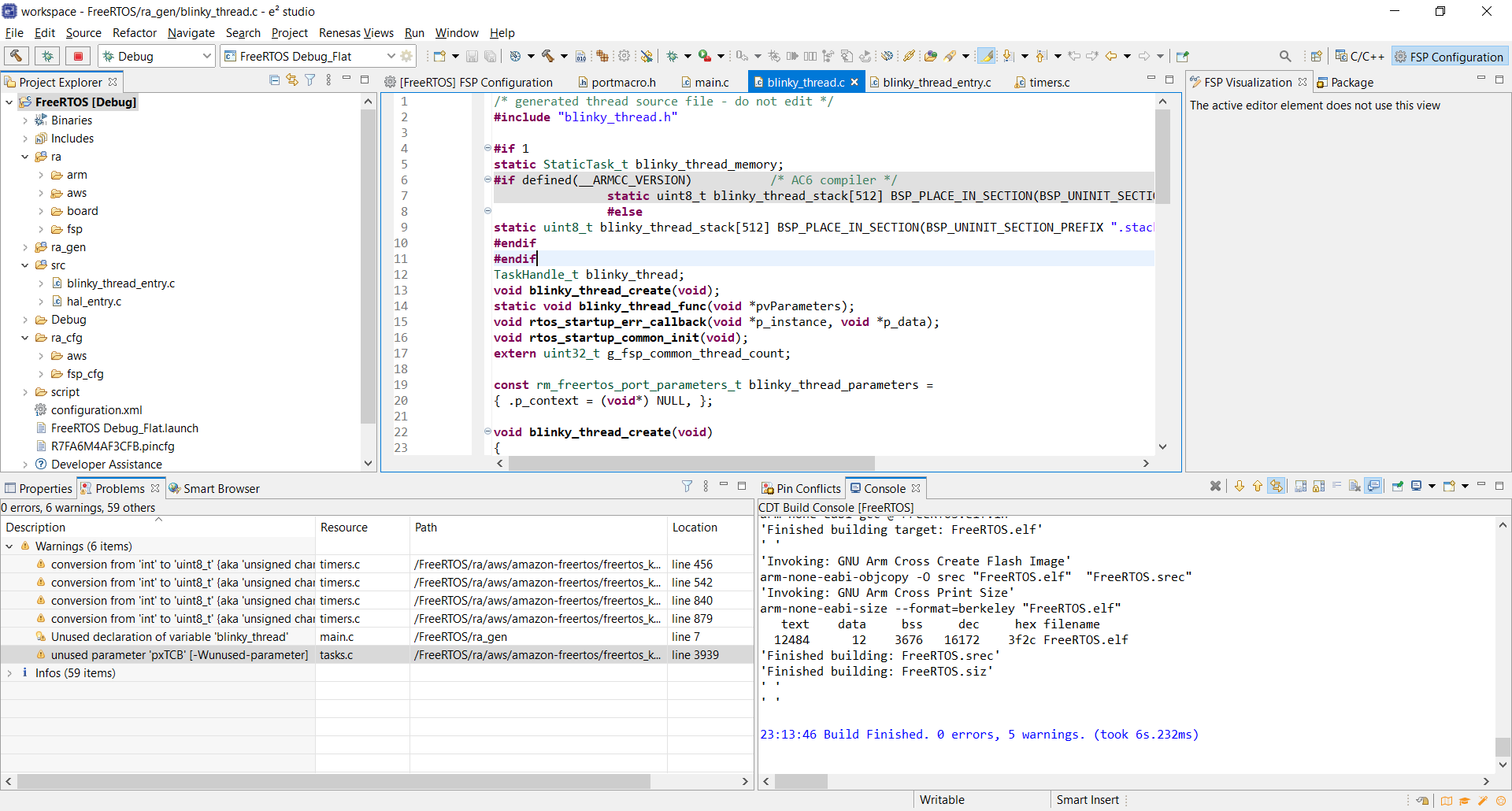
Building
After building the project I had some warnings but nothing critical, only some unused variables and variable type conversion warnings.
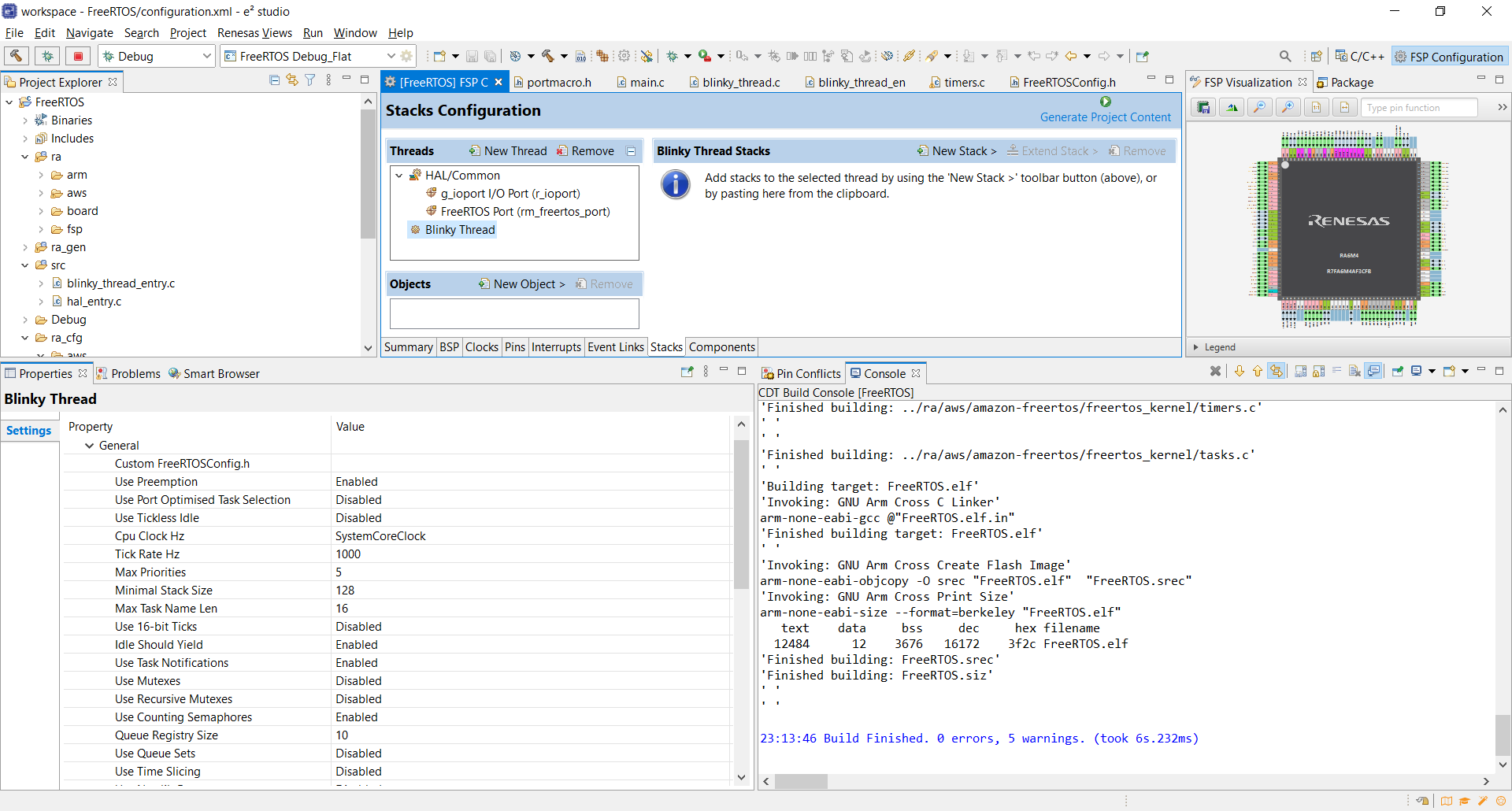
It was tempting to try running the code immediately with the hardware but I had to take a look at the generated code first. After opening configuration.xml file it was obvious that I could configure FreeRTOS using the IDE or to provide my own configuration file. I noticed that project was configured to use FreeRTOS static memory allocation which I also tried out with my MSP430 MCU.
Debugging
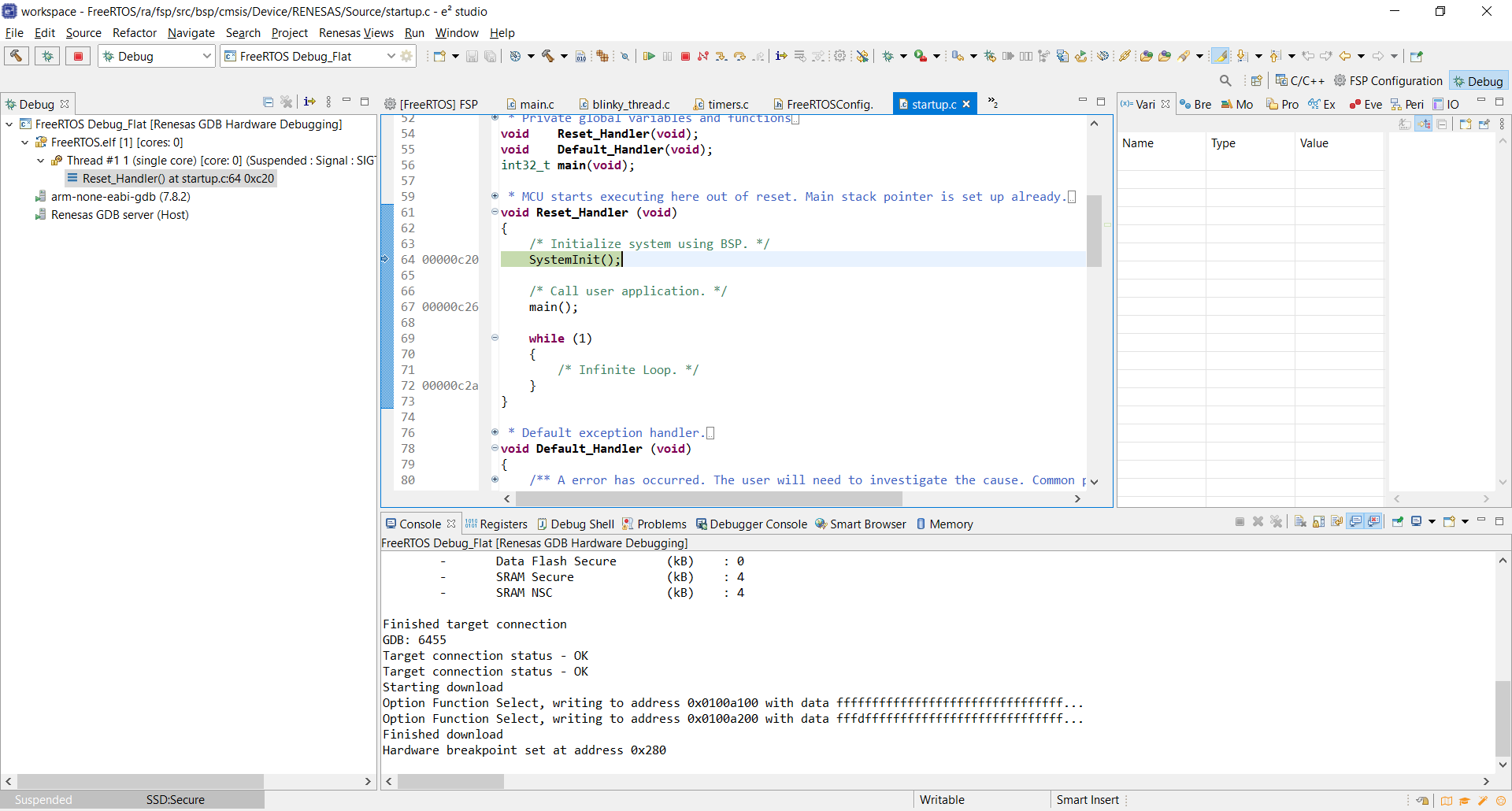
Everything looked good so I launched the debug mode which configured GDB to be used with the debug session. Debugging was working out of the box and I was ready to start stepping through the code.
Conclusion
With the FSP, Renesas has made it very easy to integrate FreeRTOS as a part of your project. When the MCU manufacturer provides FreeRTOS port files and integrates it to a tool like this, it is hard to justify why would you purchase RTOS separately for your MCU and not to use it directly with the tools like this. I have to say that it was really fast and easy to get FreeRTOS up and running with EK-RA6M4 board. And again, there was LED flashing which is always cool.